Dies ist eine alte Version des Dokuments!
Login, forgotten password
You can reach the online campus of Landshut University of Applied Sciences via this link.
Click on Log in at the top right.

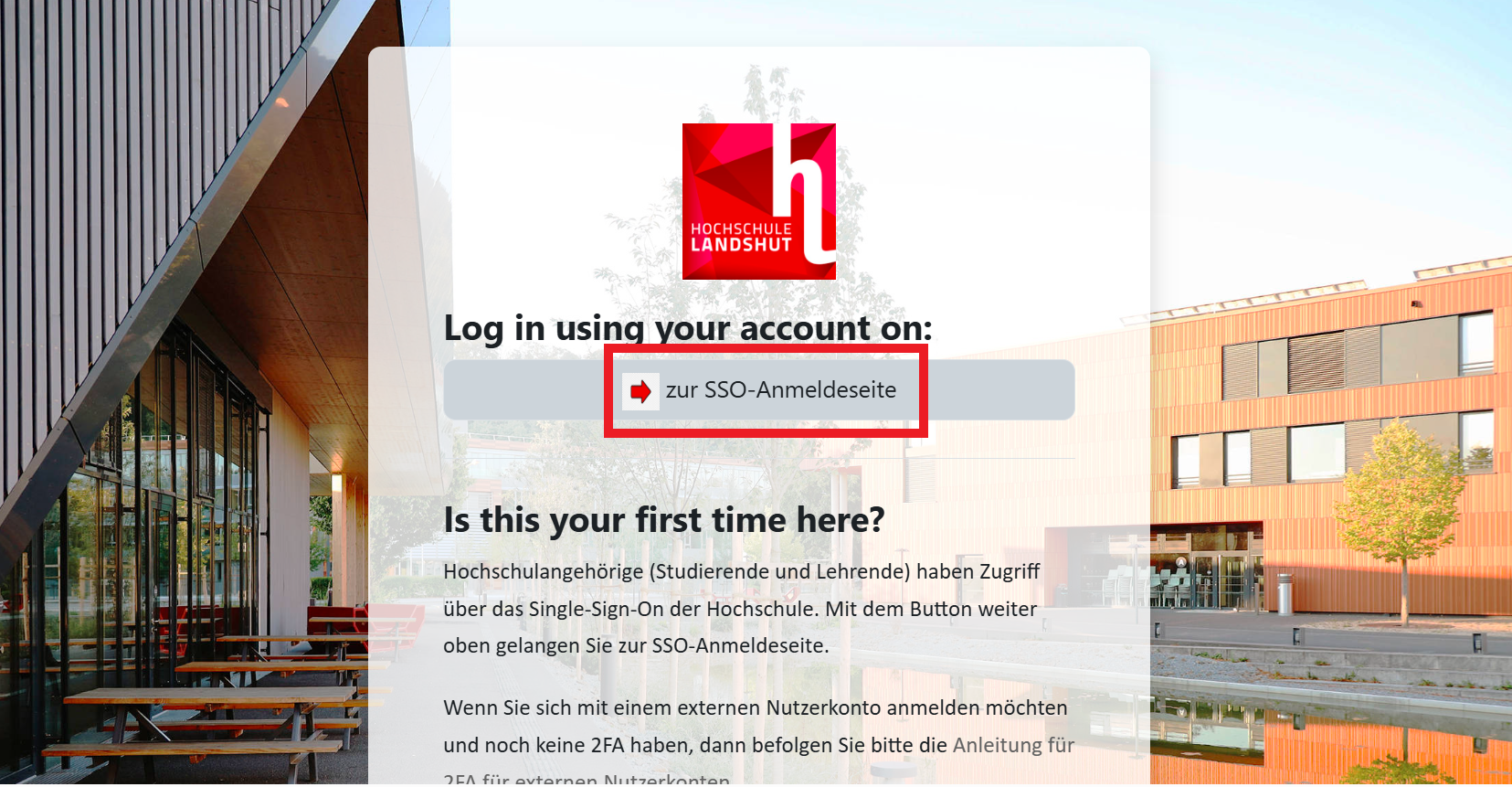 Click on
 Zur SSO-Anmeldeseite. You will be redirected to the university’s central Single Sign-On login page, where you can sign in with your university credentials.
Enter your login details on the login page. These correspond to the access data you received from the data center.
- Login Name (Benutzername): e.g. s-mmust
- Password (Passwort): Password
If you have forgotten your password, please contact the HelpDesk/Service IT (support@haw-landshut.de). You can also change your password in the SB portal.
There is no option to change your password via the Moodle learning environment or Moodle support.
Through Moodle support you can only change the password for manual accounts (e.g. m-mmust).
The homepage
 At the top of the home page is the search bar for the course search. Find a course for more details
 (link here).
In the middle you will find various course categories displayed as photo tiles, sorted by faculty. In the faculties, you will find the course subsections Faculty internal/preparation, Courses, Tutorials, etc. In the course sub-section Courses, each lecturer has their own course category.

In the block bar on the right you will find important links such as Current Notes, Moodle FAQs, Moodle Archive and Calendar
The following functions can also be accessed from the home page:
- Moodle-Guides
- Support
Below the photo tiles of the individual faculties is a text field titled Moodle-Lernumgebung,
which contains links to instructions and the Moodle support contact form.

At the bottom right you will find a form for contacting Moodle support team. To do this, click on the question mark symbol and in the window that opens select Contact site support.
If you click on Help, a page with links to the ZIL-Wiki opens.
The question mark symbol can be found on all Moodle pages.