Inhaltsverzeichnis
Finding Courses and Enrolling
Finding a Course
To find the corresponding Moodle course for your seminar, lecture, lab, etc., there are three options.
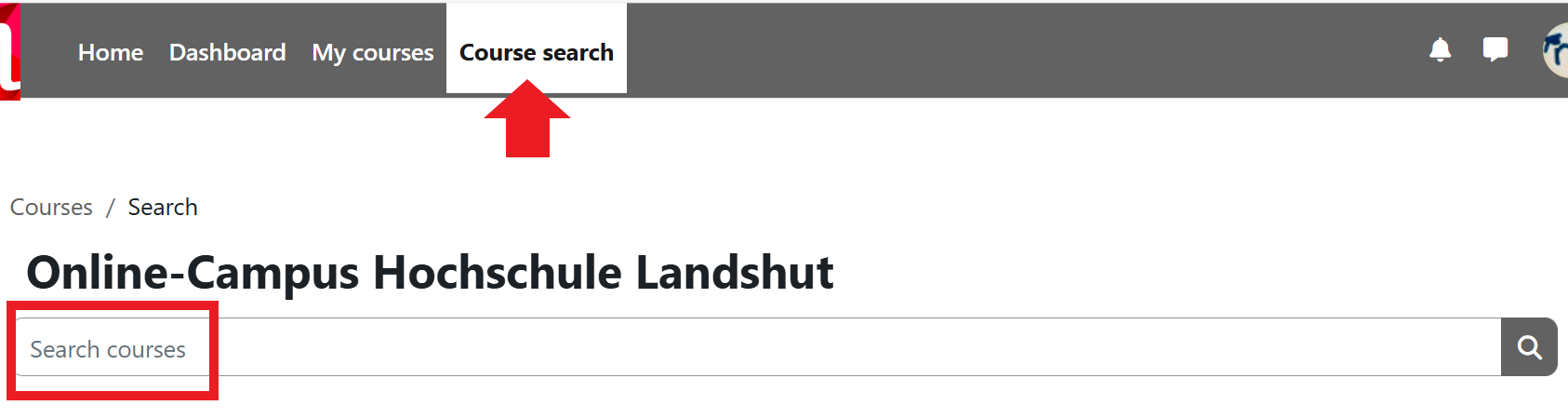
1. Search Field in the Header
Use the search field at the top under Course Search > Search Courses.
Enter the name of the instructor, the module number, or the course title. You will then receive a list of all courses that contain the search term.
2. Search Field in the "My Courses" Area
You can find the search function for your courses in the My Courses area, directly above the Course List.
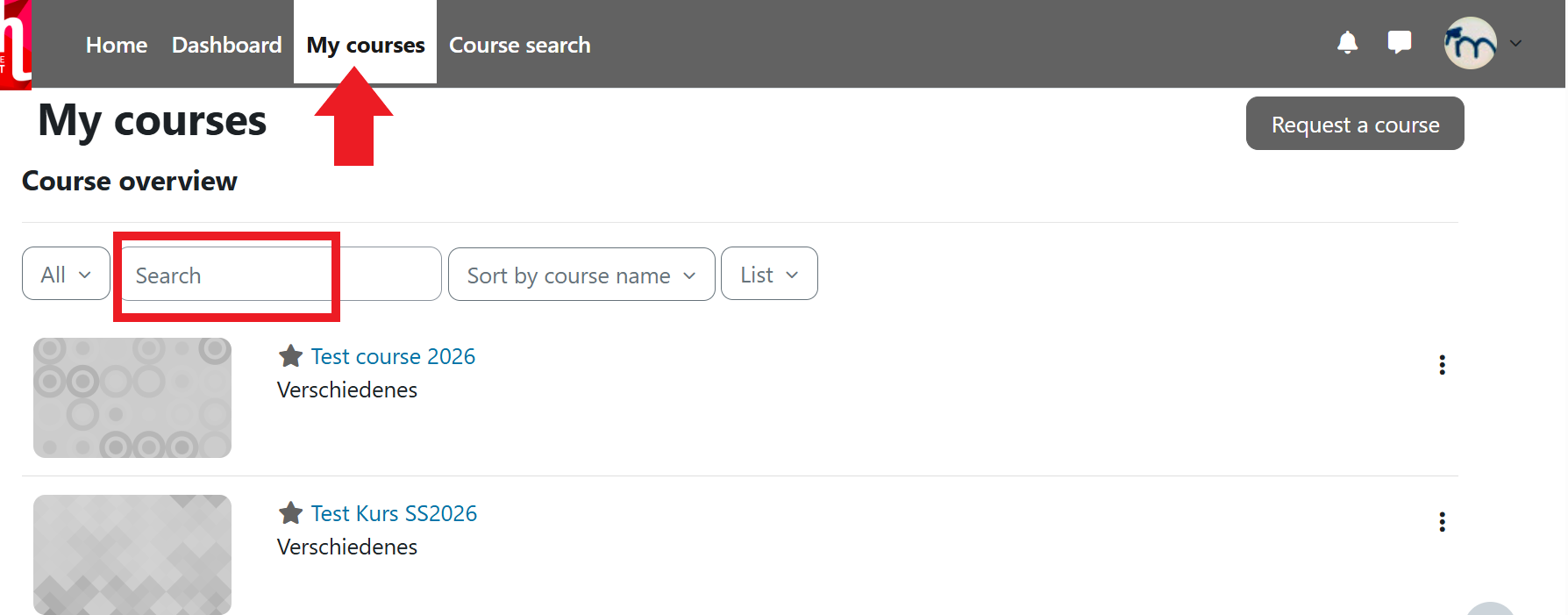
Important: You can only search for courses here by which, you are an instructor or participant.
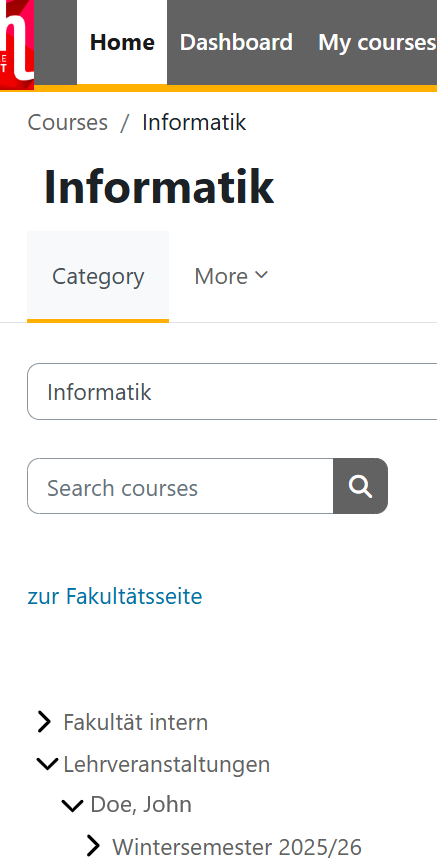
3. Course category of the Faculty
Alternatively, go to the course category of your faculty via the homepage. There you will find course rooms for events offered by professors, academic staff with special responsibilities, and adjunct lecturers.
Enrolling in a Course
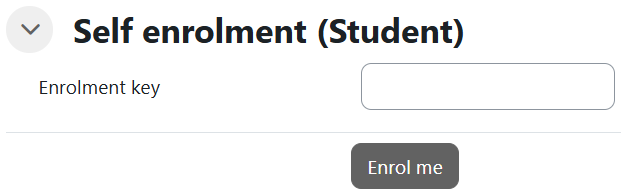
Before your courses are displayed in the course overview, you must enrol in the courses once.
All courses are protected by a so-called enrolment key. When you enter your desired course for the first time, you will be prompted to enter this course password. You usually receive it from your instructor during the first in-person session. Enter the enrolment key and, using the Enrol me button, you will then be taken directly to the course.